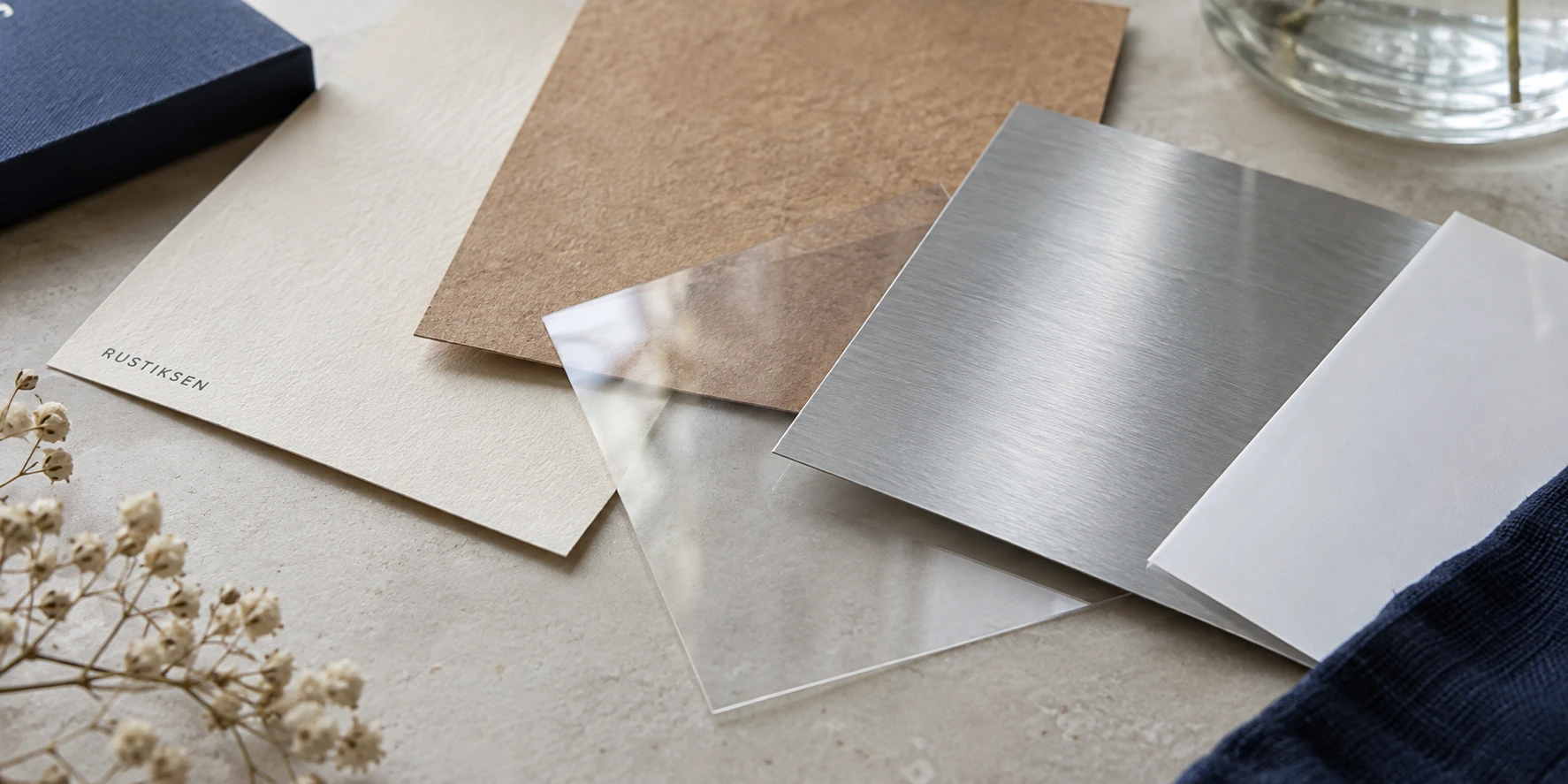
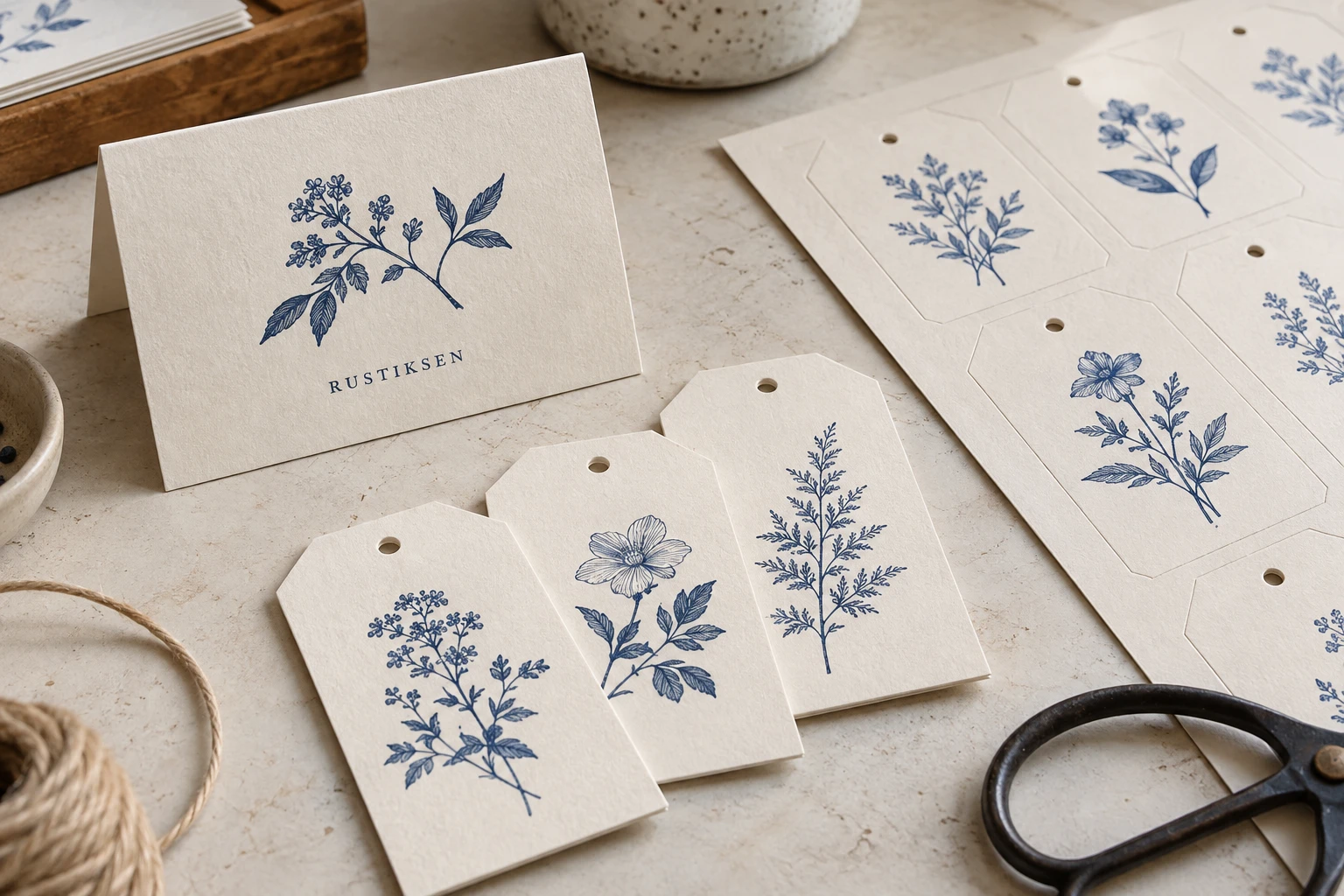
Paper texture, film transparency and substrate colour all shape the result. Establish the application and environment before choosing the stock and adhesive.
Paper
Consider smoothness, ink behaviour and the application. Paper is not inherently waterproof.
Film
Clear film reveals the surface beneath. Confirm whether white ink is needed and where.
02
Bring the artwork to the surface.
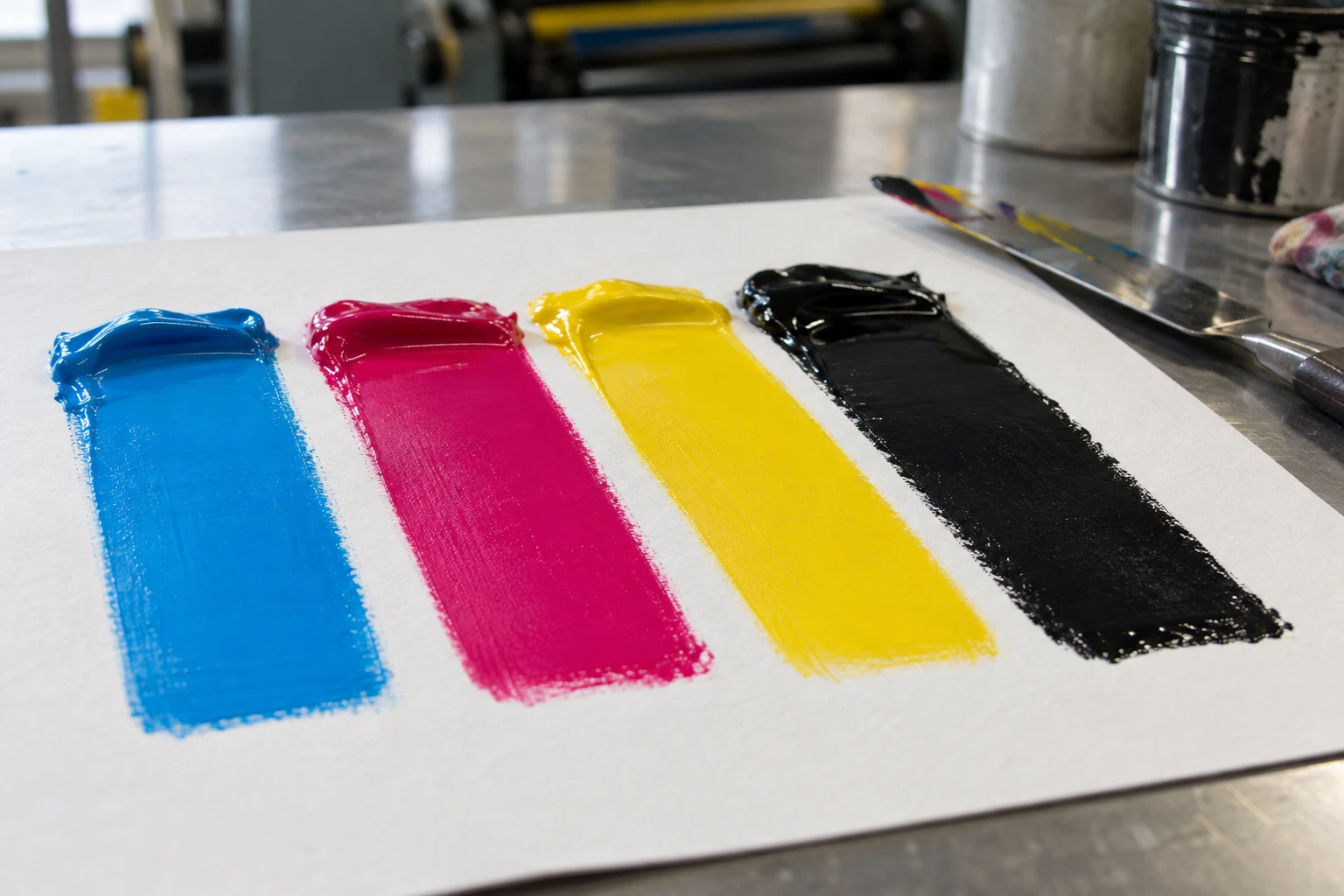
LED UV offset, digital and UV screen printing each have their strengths. Artwork, stock, quantity and colour requirements determine the production plan.
Detail & colour
Photos, gradients, solid areas and fine type place different demands on printing.
Agree the reference
Screen colour is a reference only. Print can approximate it, but an identical match cannot be guaranteed.
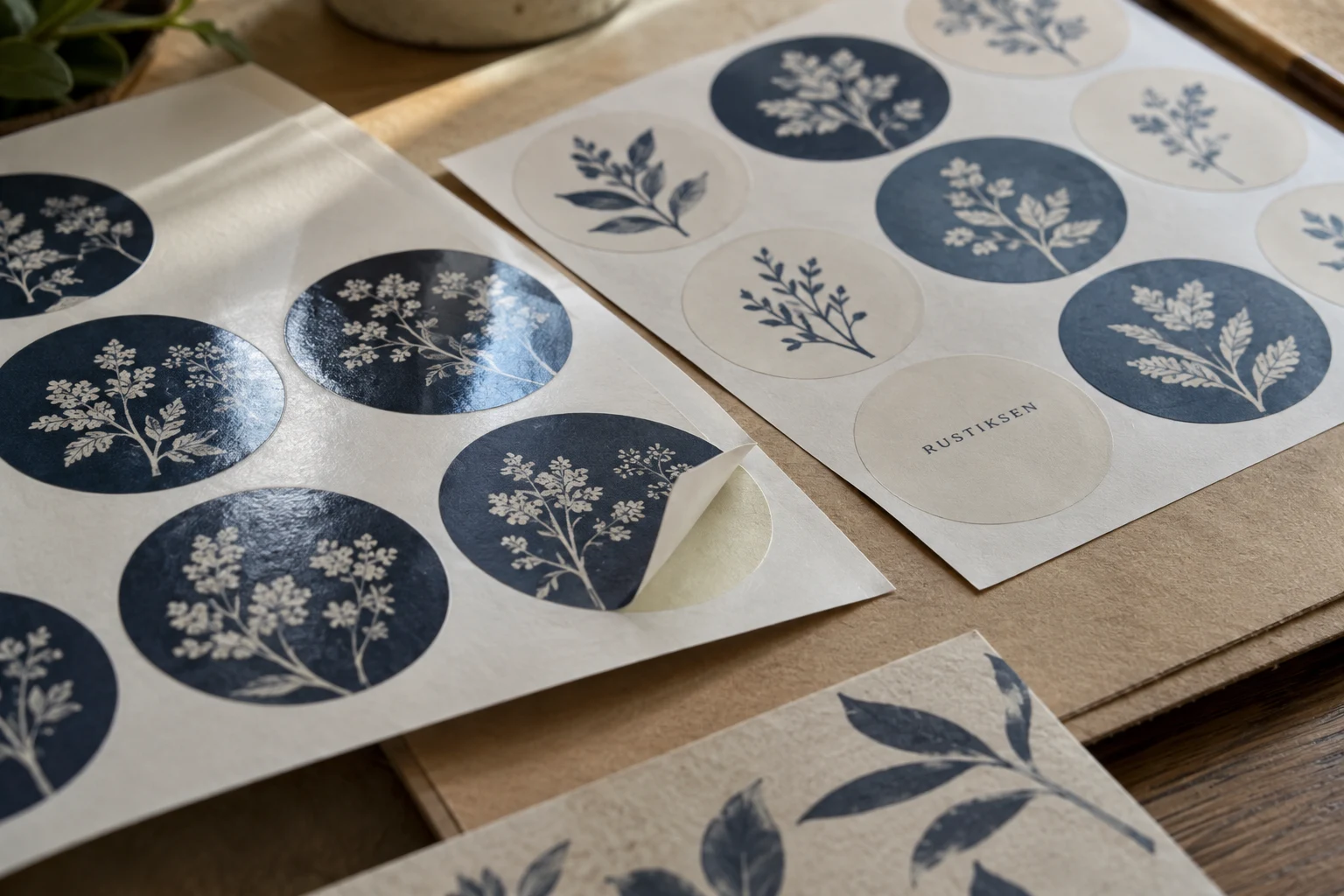
Lamination adds a film; varnishing applies a coating. Both can change gloss and feel, as well as colour appearance, writing and further processing.
Gloss & matte film
Gloss film gives stronger reflections; matte film softens the sheen. Abrasion performance depends on the material and use.
Varnishing
Confirm coating areas against the stock and design. UV screen printing does not mean every product receives spot UV varnish.
04
A contour becomes a label.
Cutting defines both the shape and how a label is used. Cutting the face stock while retaining the liner is different from cutting through the complete sheet.
Close the contour
Specify corners, holes and custom outlines. Narrow points and small gaps need review.
Leave room for content
Extend backgrounds into bleed and keep key content away from the edge. Follow the confirmed template.
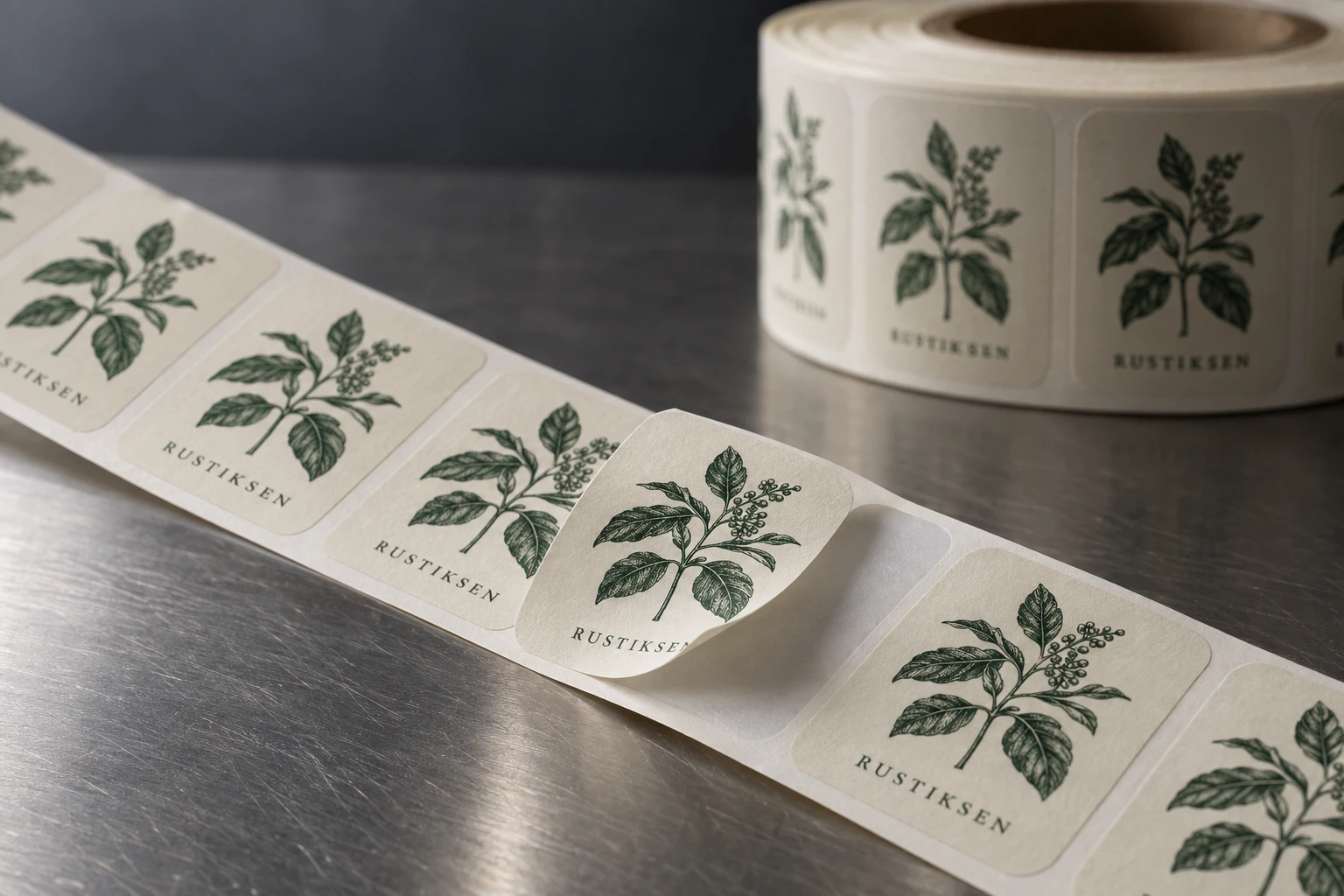
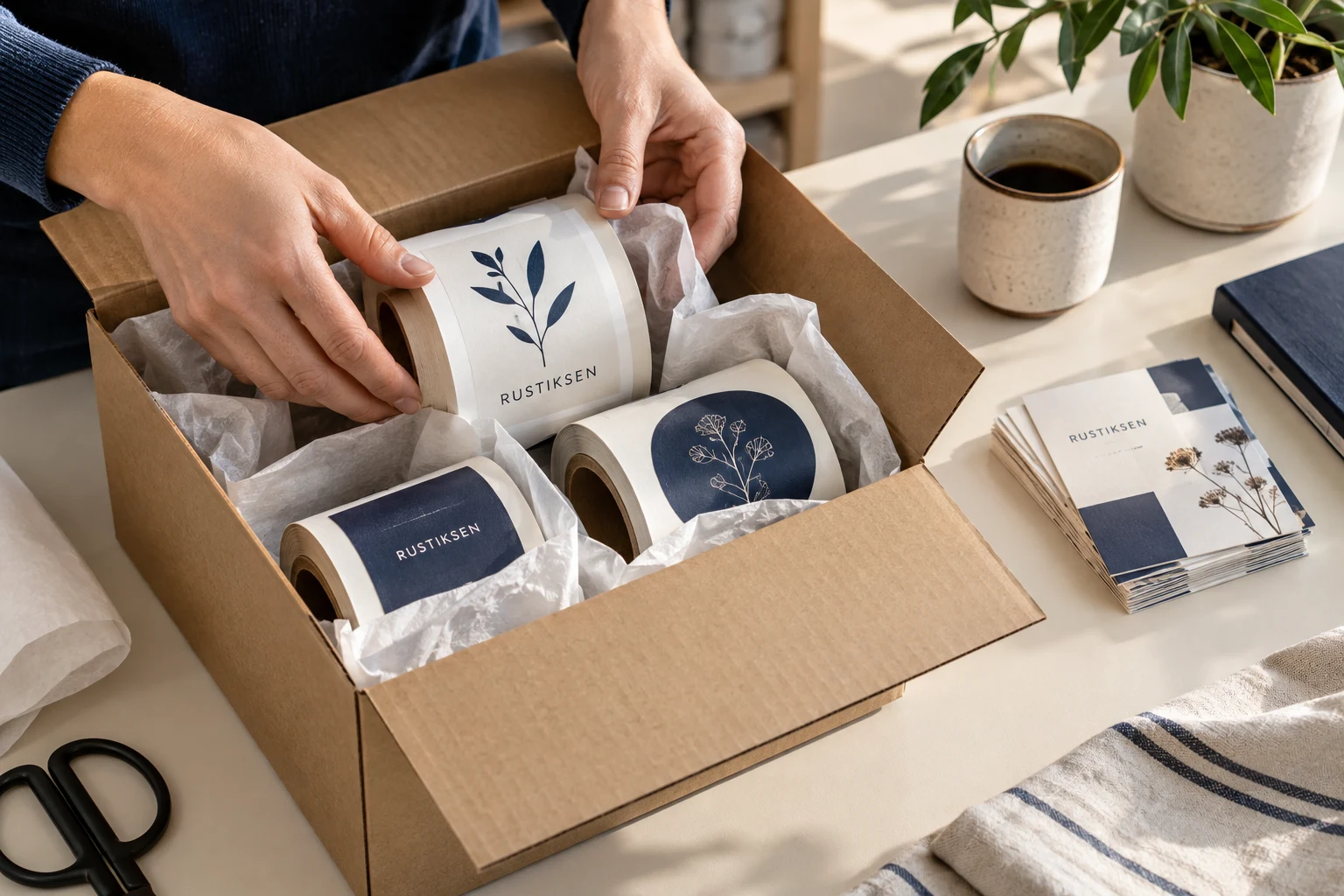
Rolls, sheets and individual die-cut pieces are delivery formats. Choose around manual or machine application, storage and distribution.
Rolls
Confirm a 7.5 / 4 / 3 cm core, winding, leading edge and labels per roll. Machine use also requires roll-diameter checks.
Sheets & pieces
Confirm sheets versus individual pieces and packing quantities. Non-adhesive goods require their own cutting and finishing specification.
Three processes. Different strengths.
We offer LED UV offset, digital and UV screen printing. The right choice starts with your product.
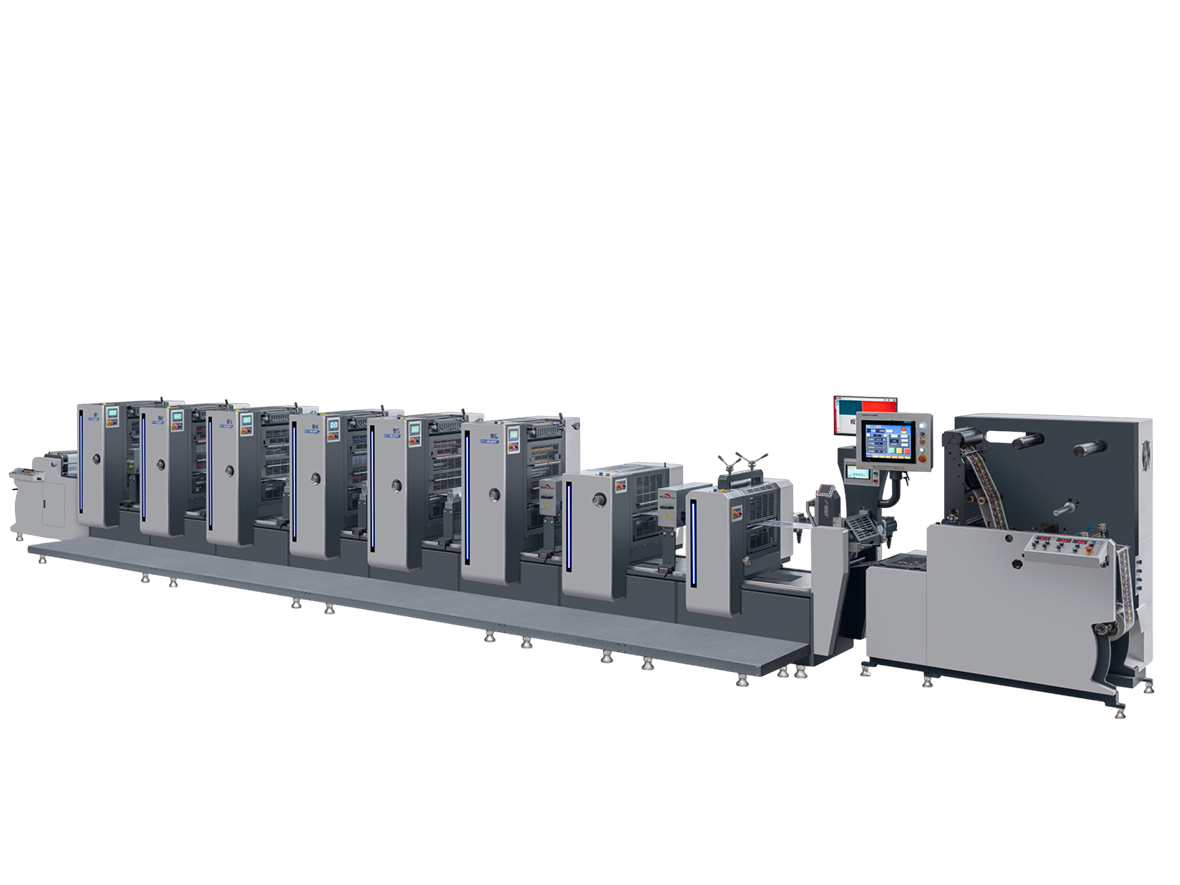
Roll-label offset press
LED UV offset
Artwork transfers from the plate through a blanket onto the stock; a compatible LED UV system cures the ink.
When to consider it
For projects requiring image detail, fine type and consistency across a run.
What to confirm
Requires plates. Stock, ink and curing system must be compatible; quantity and artwork influence the plan.
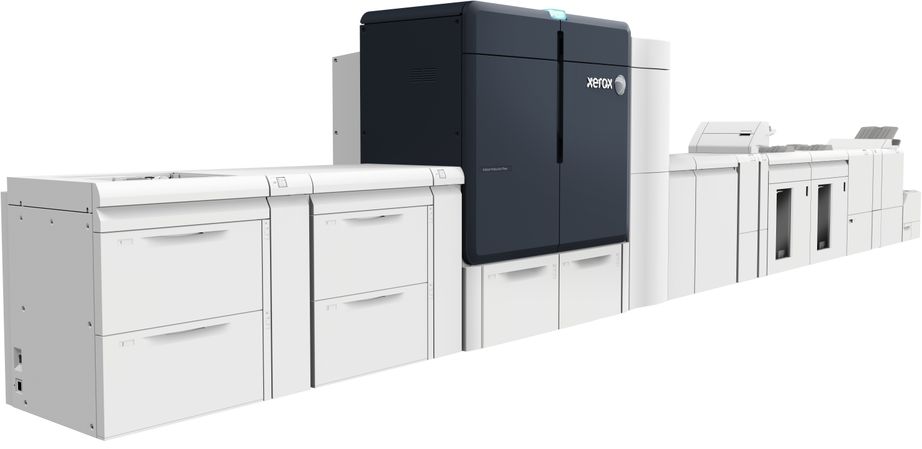
Dry toner
Uses electrophotographic imaging, toner transfer and fusing; it is not inkjet.
Digital printing
Print is driven by digital files without conventional offset plates, supporting multiple designs and version changes.
When to consider it
For short runs, multiple designs and agreed variable-content requirements.
What to confirm
Supply rules and samples for variable data. Stock, gamut and finishing depend on the equipment and testing.
03SCREEN / INK COVERAGE
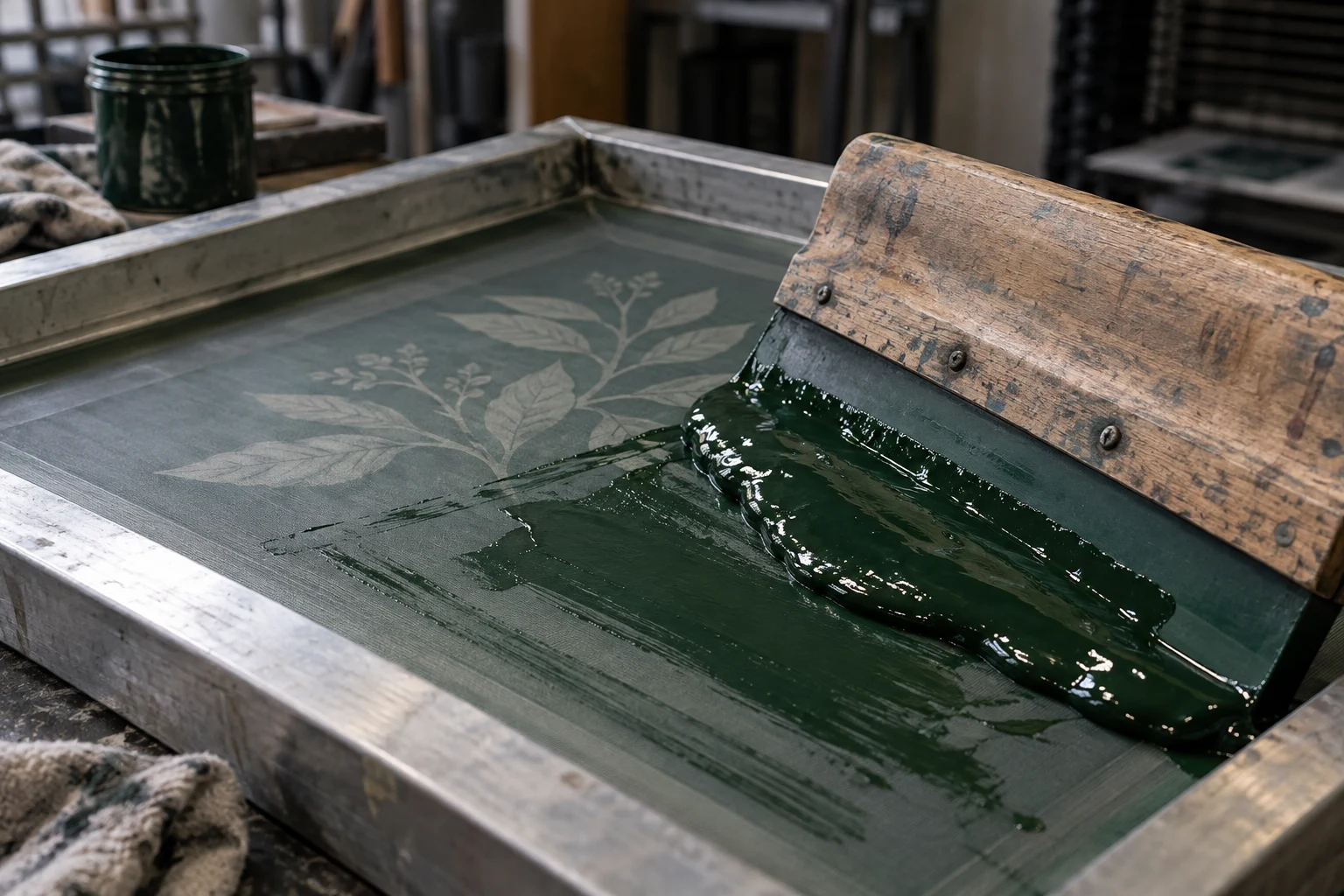
UV screen printing
Ink passes through the image areas of a screen onto the substrate, followed by UV curing.
When to consider it
Can suit artwork where ink coverage and solid areas matter; confirm the result against samples.
What to confirm
Assess screen, ink, adhesion and detail together. Raised or special tactile effects are not assumed.
Industry context: what is flexography?
Flexography uses flexible relief plates and an anilox roller to meter ink. It is common in roll-label and packaging production. This is industry context, not one of our currently offered services.
QUALITY CONTROL
Printed. Then inspected.
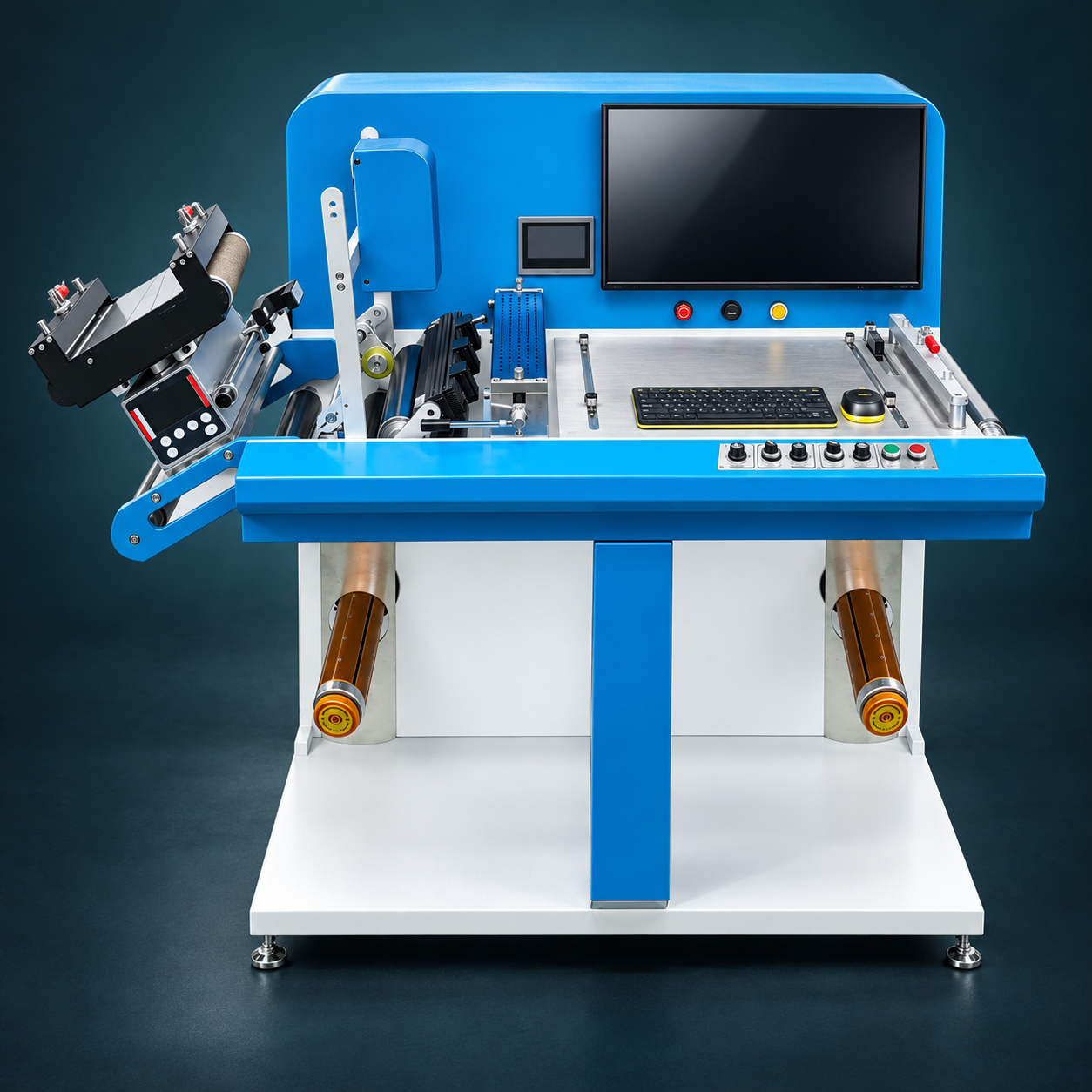
Label CCD inspection
A camera captures label images for comparison with an approved reference and inspection rules. Suspected defects are located for review, supporting post-print quality control.
What we look for
Missing print, incomplete text or graphics, contamination and positional deviations. Incorrect or duplicate barcode and QR data checks depend on agreed data rules and inspection configuration.
Agree the inspection standard
Set inspection areas and tolerances around the stock, artwork and reference sample. Review and address flagged anomalies before packing and delivery.
01
Capture
The camera records the label as it passes through the inspection area.
02
Compare
Identify suspected differences against the approved sample and rules.
03
Review
Locate flagged labels, review and address issues before delivery.
Technology, made visible.
See how ink cures and how each label can carry different information.
LED UV curing
Choose a step to follow the curing process.
LED UV
Compatible ink layer
Print substrate
Schematic only; not equipment geometry or curing speed.
Match stock and ink first; check the ink layer and adhesion.
A different code on every label.
One layout, changing QR content and serial numbers. Select a label to see the difference.
LABEL SEQUENCE · DEMO1 / 3
RUSTIKSENPRODUCT IDENTIFICATION
SERIAL NUMBER001026
Same design. Different identity.
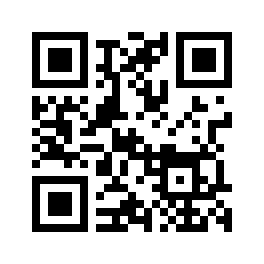
ENCODED CONTENTRUSTIKSEN-DEMO:001026
Try scanning: text-only examples, with no redirect or data collection.
More than QR codes
Serial numbers, barcodes, text or artwork can vary too. QR codes may encode different URLs or IDs, based on the approved data file.
Unique codes do not automatically prevent counterfeiting
Traceability, verification and scan campaigns require supporting data and systems. Confirm the data, code size and printed scan results before production.
We confirm each plan against artwork, stock and quantity. Curing and variable content depend on the actual production setup.
Tell us the effect you want to achieve.
Feasibility depends on stock, specifications and artwork, subject to our review.